Welcome to Plotly Studio
Plotly Studio is an AI-powered desktop application for building data apps from datasets in minutes.
Plotly Studio uses a large language model (LLM) for app generation, meaning you don't need to know how to code to build an app. Connect to your data and use natural language to transform it and build charts. Plotly Studio generates an app using Plotly visualization best practices.
Once you are happy with your app, publish it to Plotly Cloud or Dash Enterprise with one click.
Request a Plotly Studio Presentation
If you are part of a large company, institute, or event and you would like us to offer a live demo of Plotly Studio, please use this form.
Overview
-
Download and configure Plotly Studio on your computer
-
Build your first app with Plotly Studio
-
Create, organize, and manage your projects
-
Connect to external data sources and query and transform your data
-
Arrange and resize components with drag-and-drop or prompts
-
Learn the fundamentals of how prompts work in Plotly Studio
-
Learn how to write effective prompts for creating and customizing charts
-
Access and modify the generated code
-
Provide custom instructions that guide the AI across all projects
Prompt Library
-
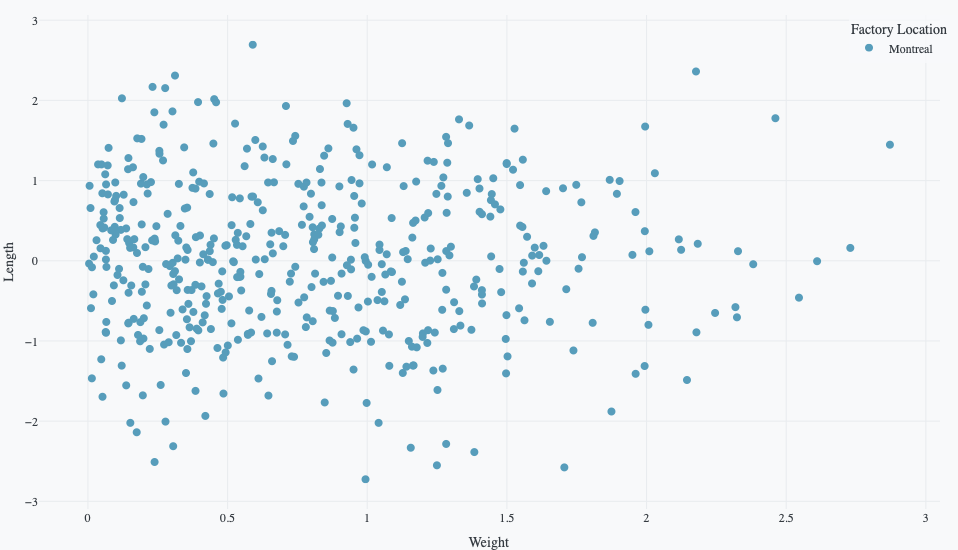
Scatter plots are useful for showing the relationship between columns
-
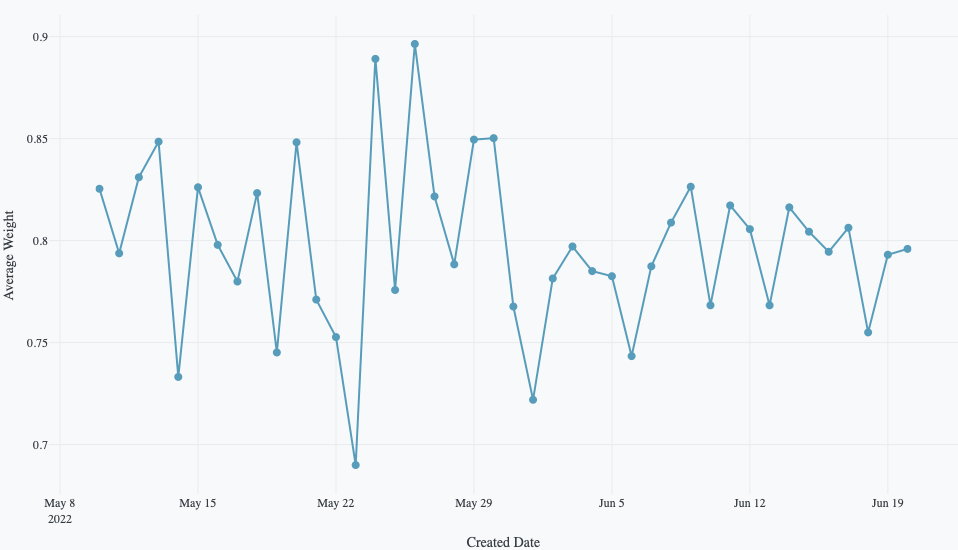
Line charts are useful for showing trends and changes over time or across ordered categories
-
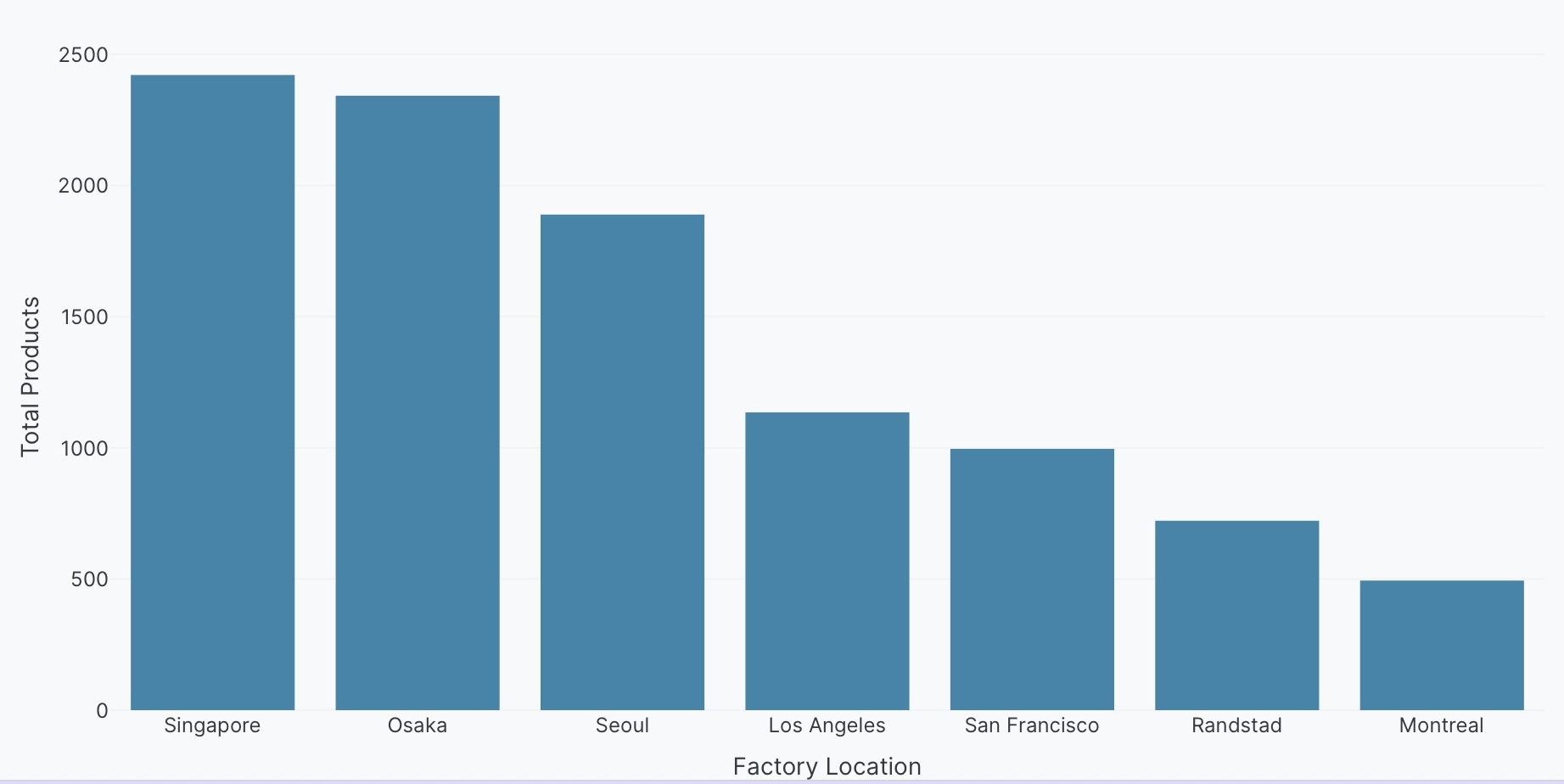
Bar charts are useful for comparing values across categories
-
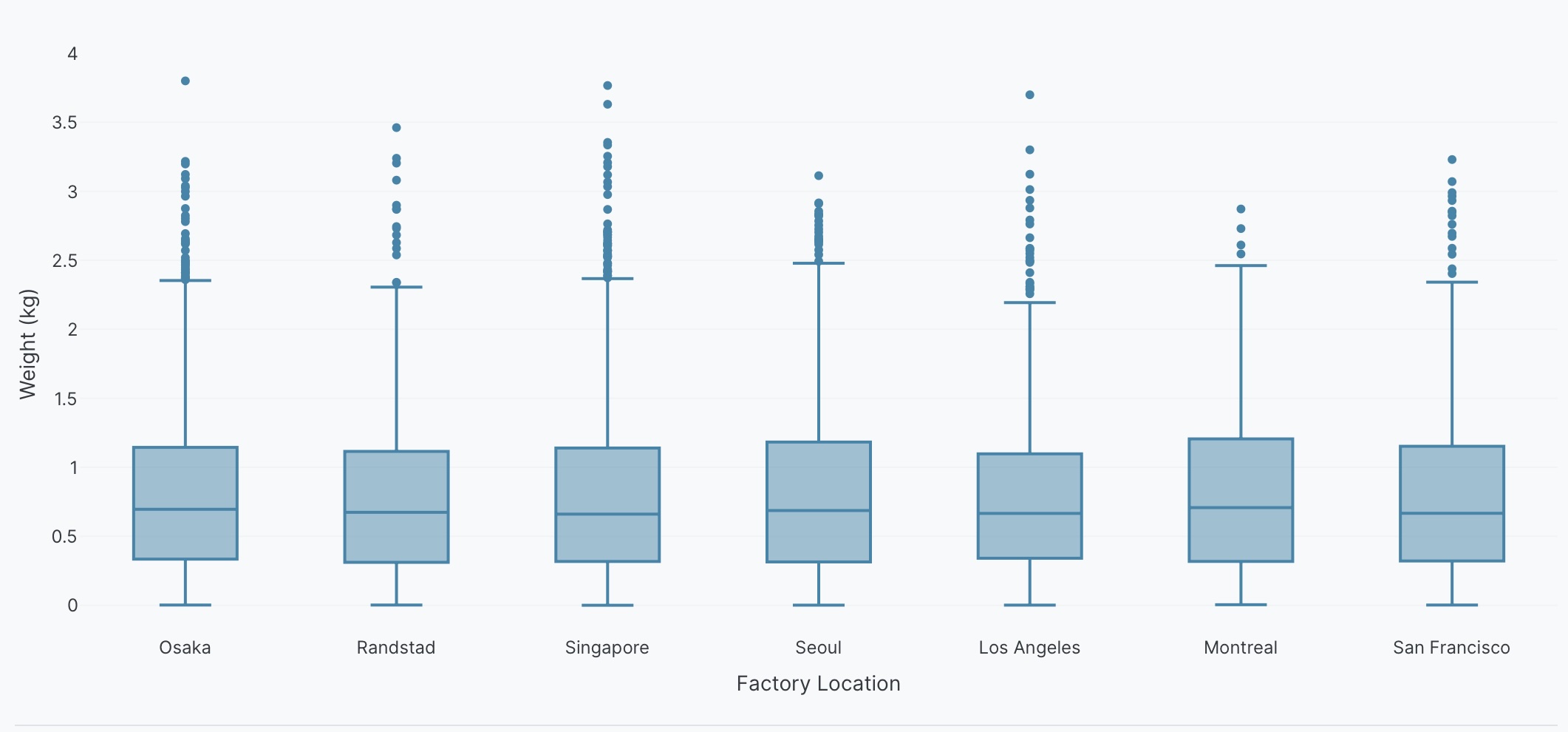
A box plot is a statistical representation of the distribution of a column through its quartiles
-
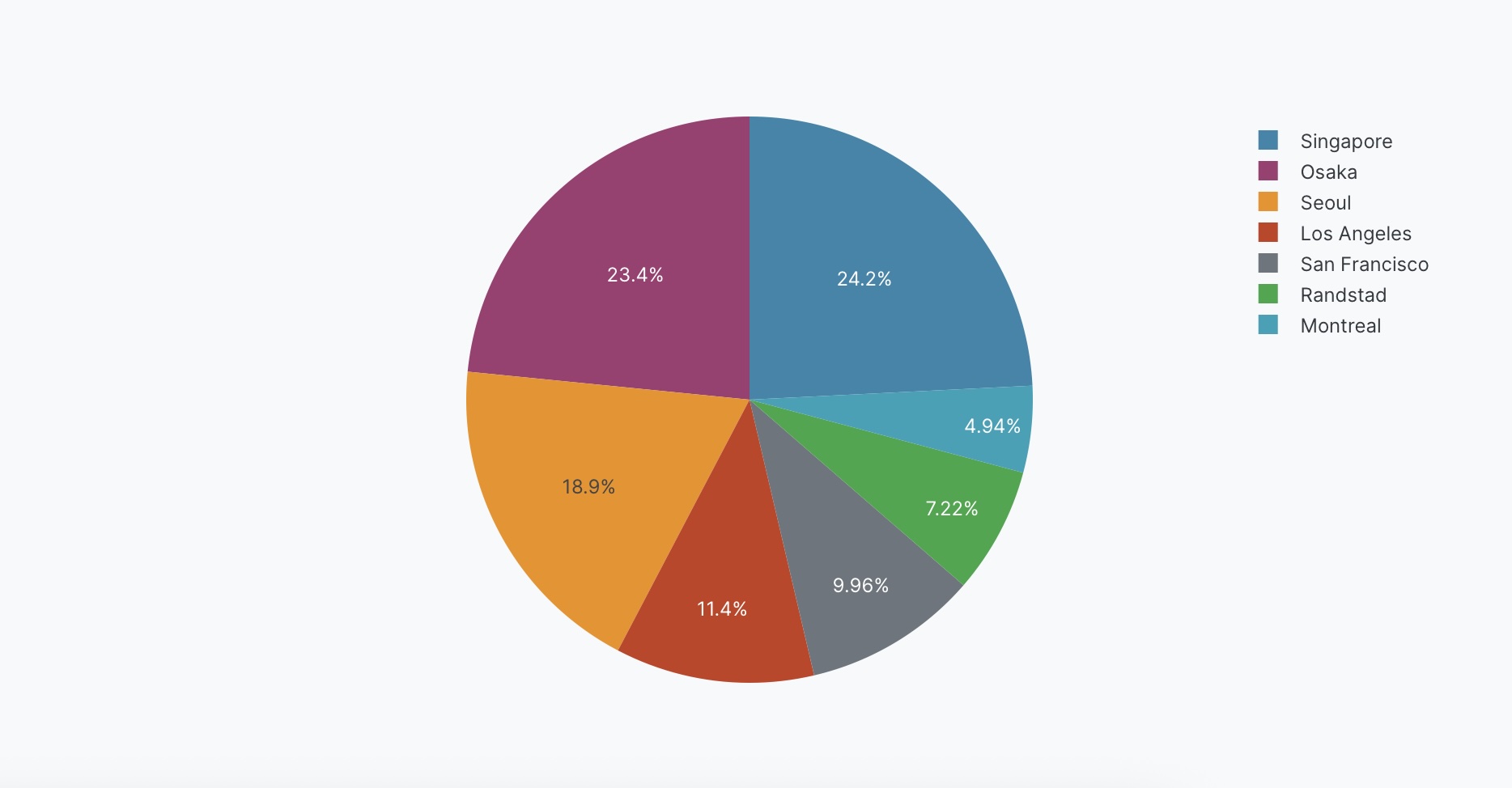
Pie charts are useful for showing proportions and percentages of a whole
-
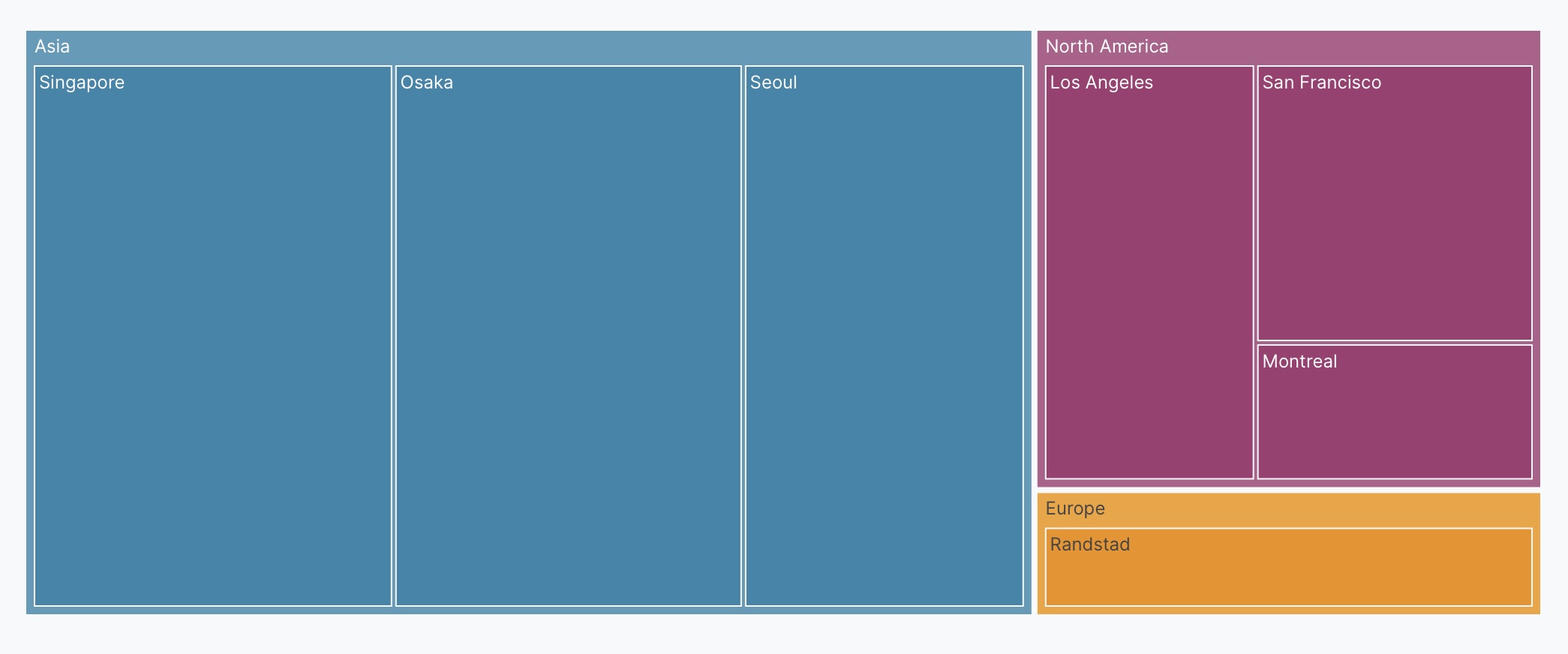
Treemap charts visualize hierarchical data using nested rectangles
-
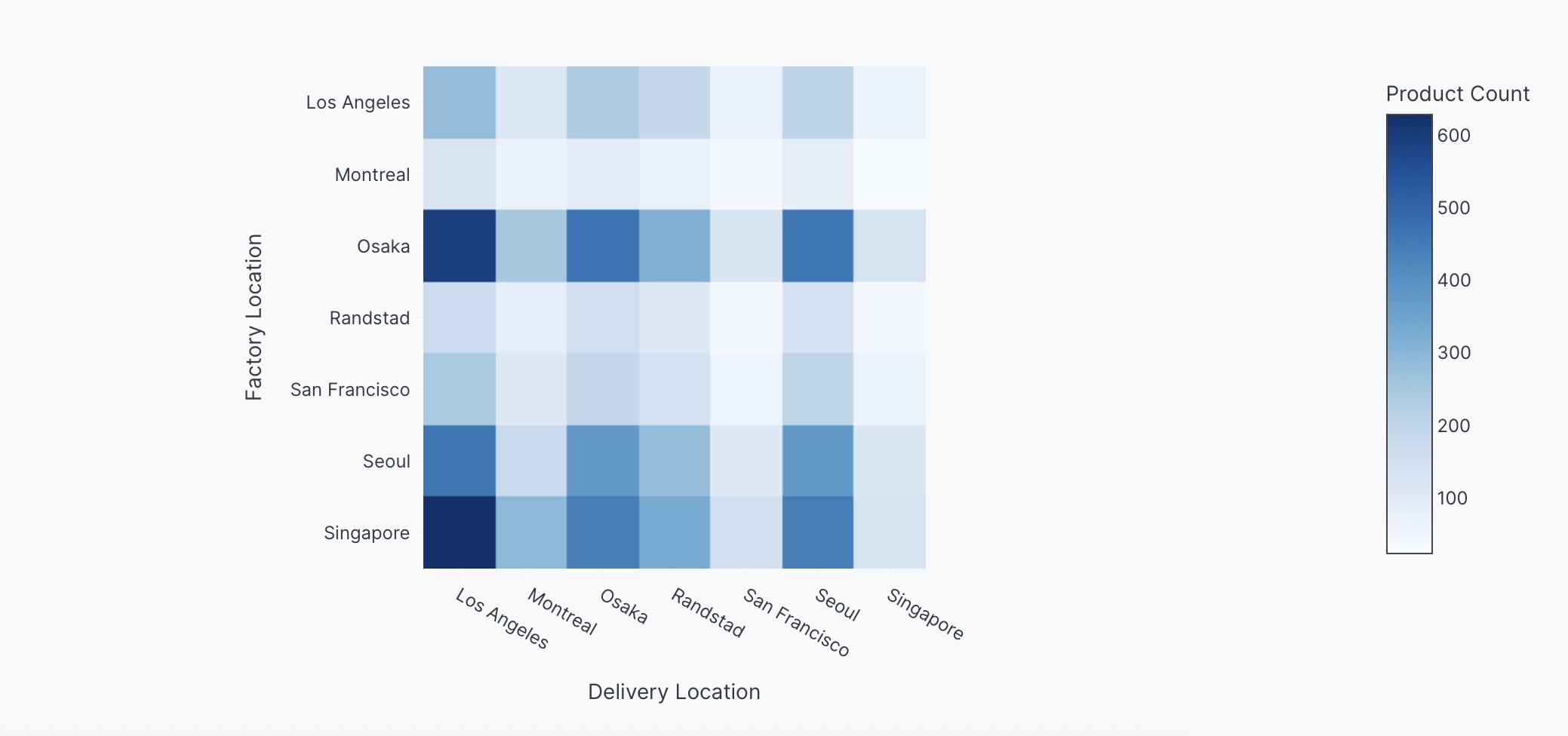
Heatmap charts use color to represent values in a two-dimensional grid
-
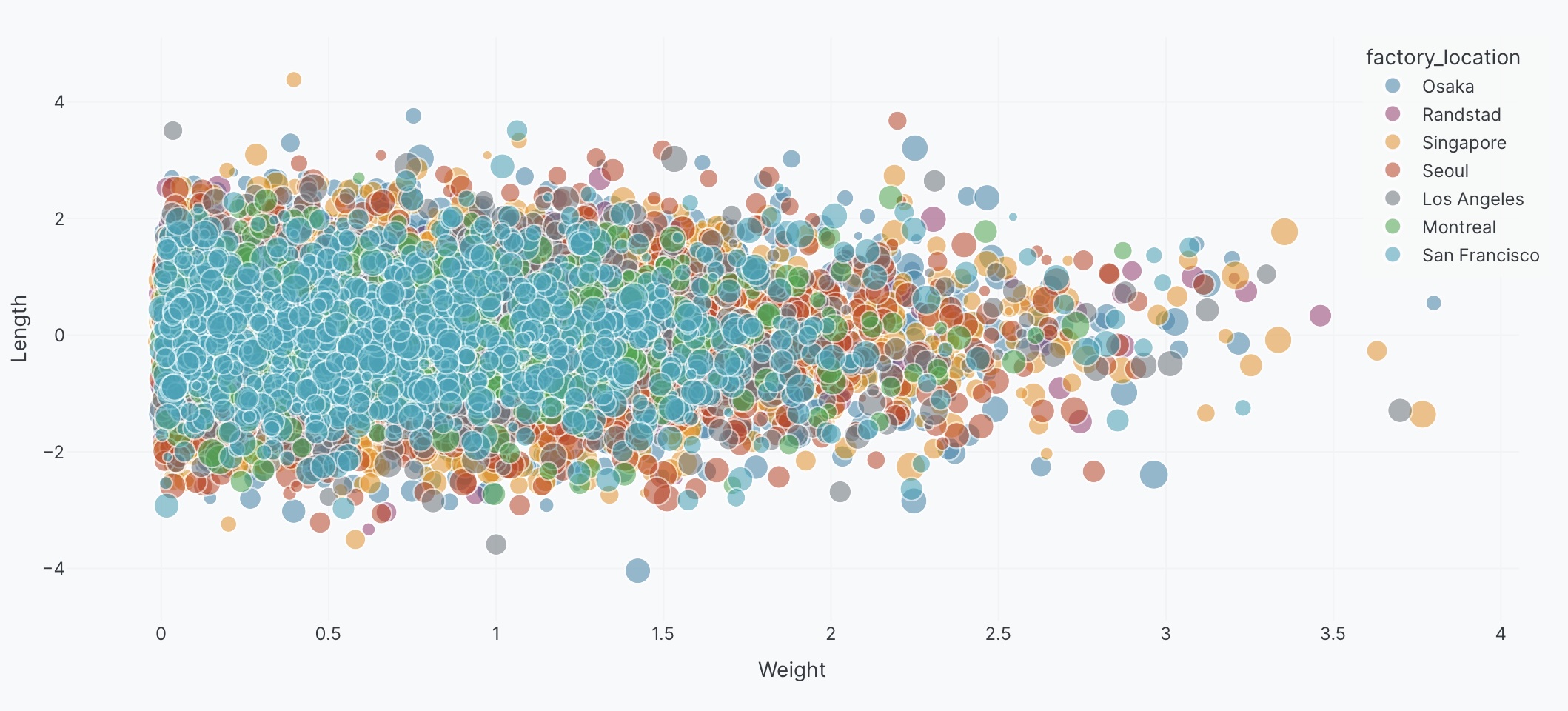
A bubble chart is a scatter plot where marker size represents a third dimension of the data
-
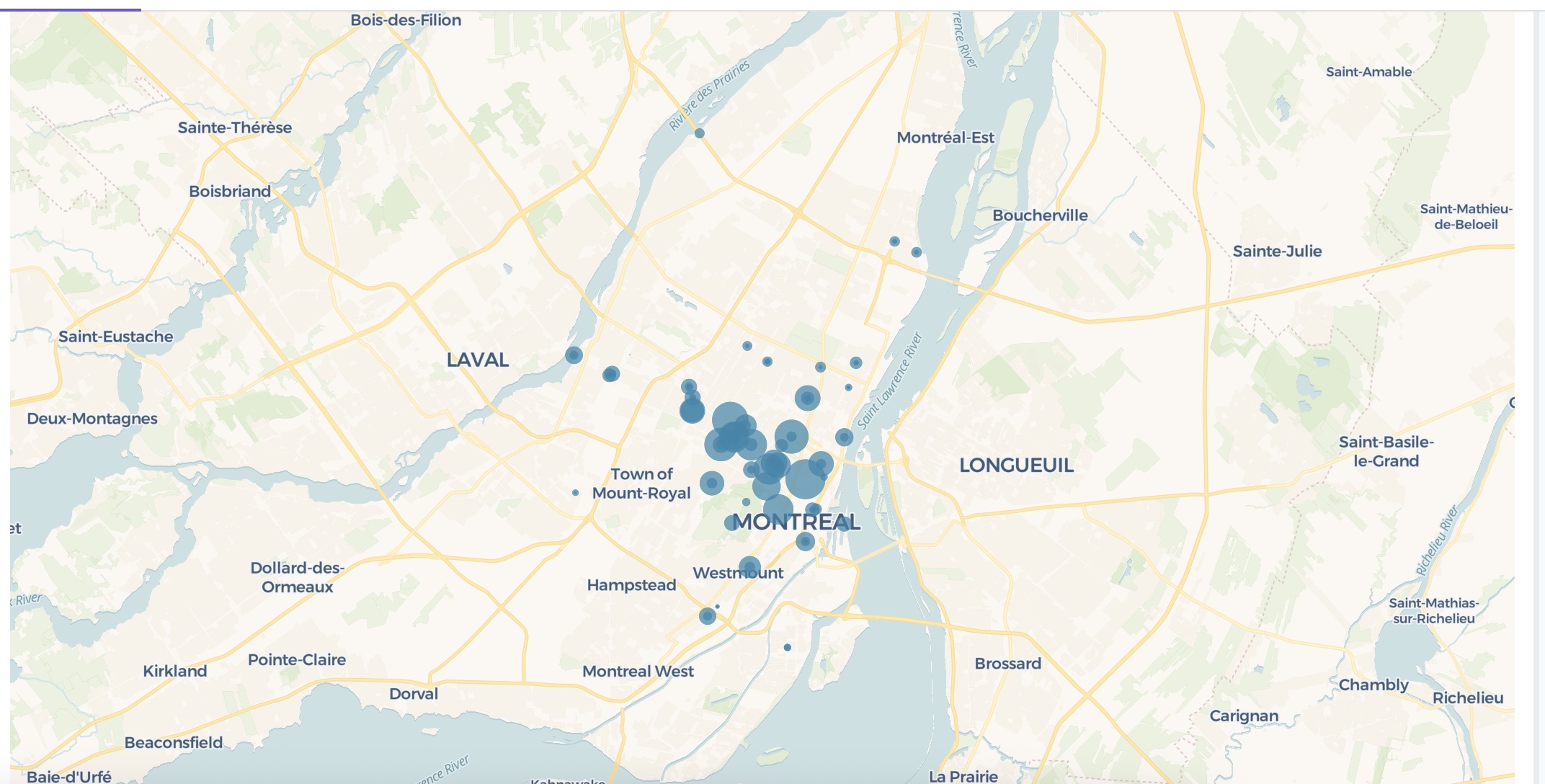
If your dataset includes geospatial data, you can represent it on a map
-

Display data in tables with sorting, filtering, conditional formatting, and other features
-
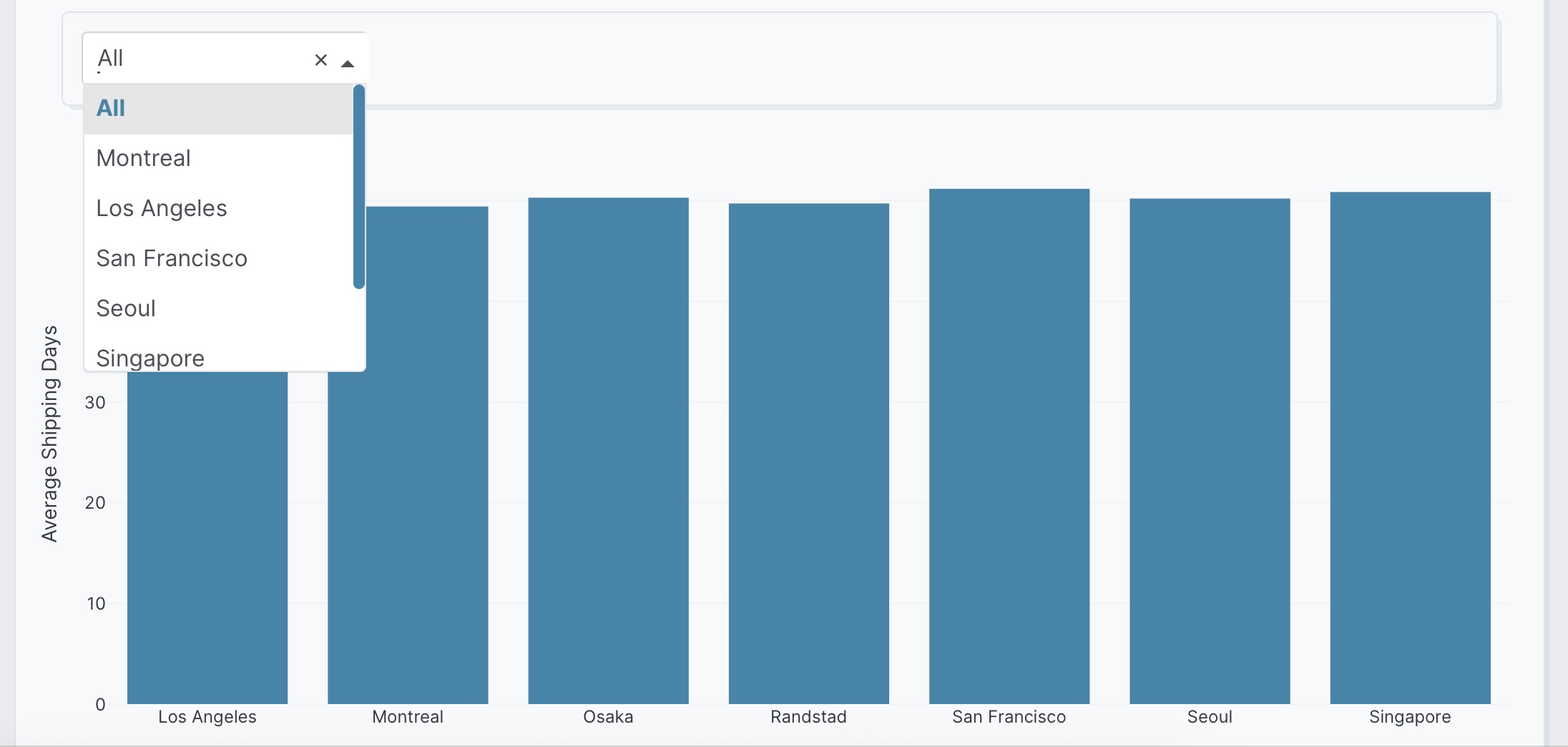
Add interactive controls like dropdowns and checkboxes
-
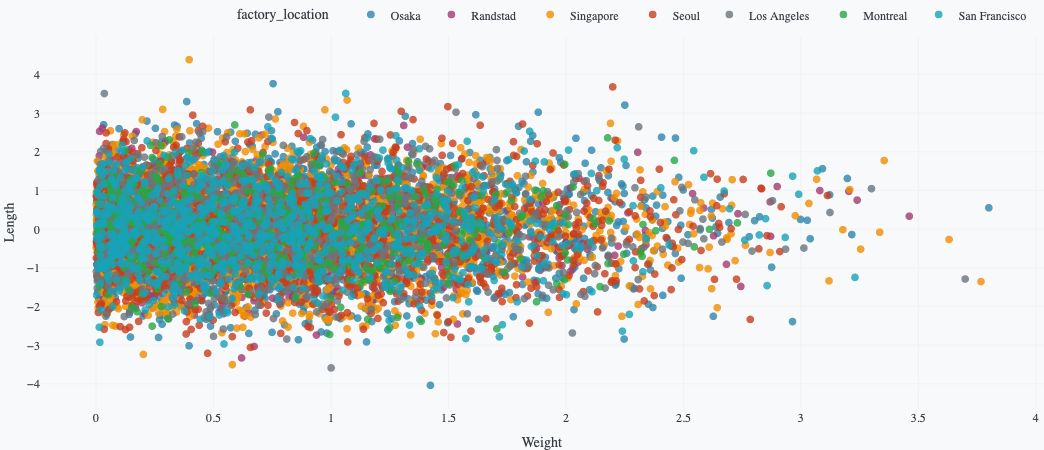
Customize legends in your charts
Export
-
Export your app as a PDF report
-
Export your app to edit and run outside of Plotly Studio
Publish Apps
-
Publish your app to Plotly Cloud or Dash Enterprise
-
Publish apps directly from local files
Manage Apps in Plotly Cloud
-
Share your published app with others
-
Make changes to your published apps
-
Configure environment variables for your apps
-
Monitor and troubleshoot your apps with logs