Welcome to Plotly Studio
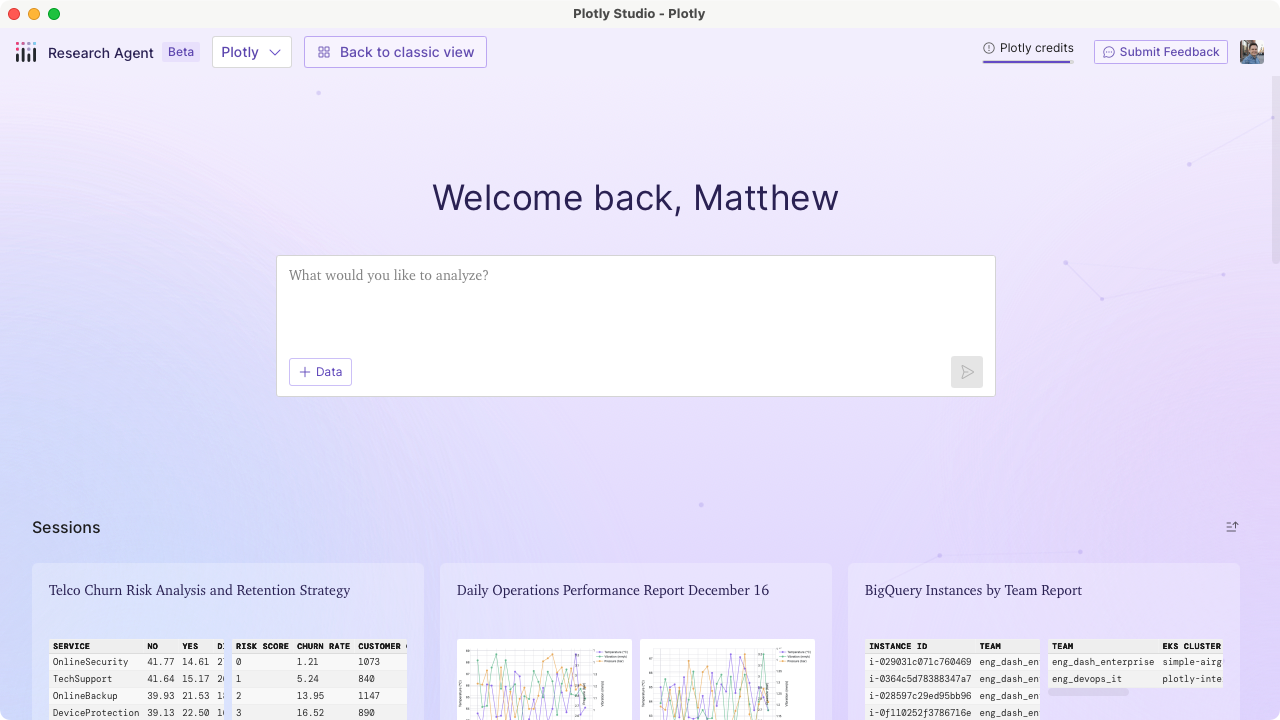 Plotly Studio is an AI-powered desktop application for exploring data, asking ad-hoc questions, building reports, and generating interactive data apps that you can share with teammates in just minutes.
Plotly Studio uses a large language model (LLM) to write code for you, meaning you don't need to know SQL or Python to achieve the powerful results that code-backed data analysis provides. You just have to ask for it using an intuitive natural language interface, and Plotly Studio generates the required code and applies visualization and data analysis best practices automatically.
Any artifact created by Plotly Studio can be published and shared with teammates with a single click. Artifacts are deployed to either:
- Plotly Cloud: our affordable and secure SaaS hosting platform.
- Dash Enterprise: our on-premise hosting platform that offers the highest grade security and privacy.
Request a demonstration
If you want a live demo of Plotly Studio delivered by a Plotly sales representative, click here.
Getting Started
-
Download and configure Plotly Studio on your computer
-
How to approach work with Plotly Studio
Plotly Studio Concepts
-
Upload files or connect to external data sources
-
Upload files or connect to external data sources
-
Chat with data sources and create charts, reports, and data apps
-
Reuse prompts with slash commands to speed up repeat workflows
-
Learn how to publish and share artifacts with teammates.
-
Learn how to write effective prompts for data exploration, validation, and creating artifacts.
Publish Apps
-
Publish your app to Plotly Cloud or Dash Enterprise