Exporting Code
You can export your app to edit and run it outside of Plotly Studio if you have a Growth plan (or higher).
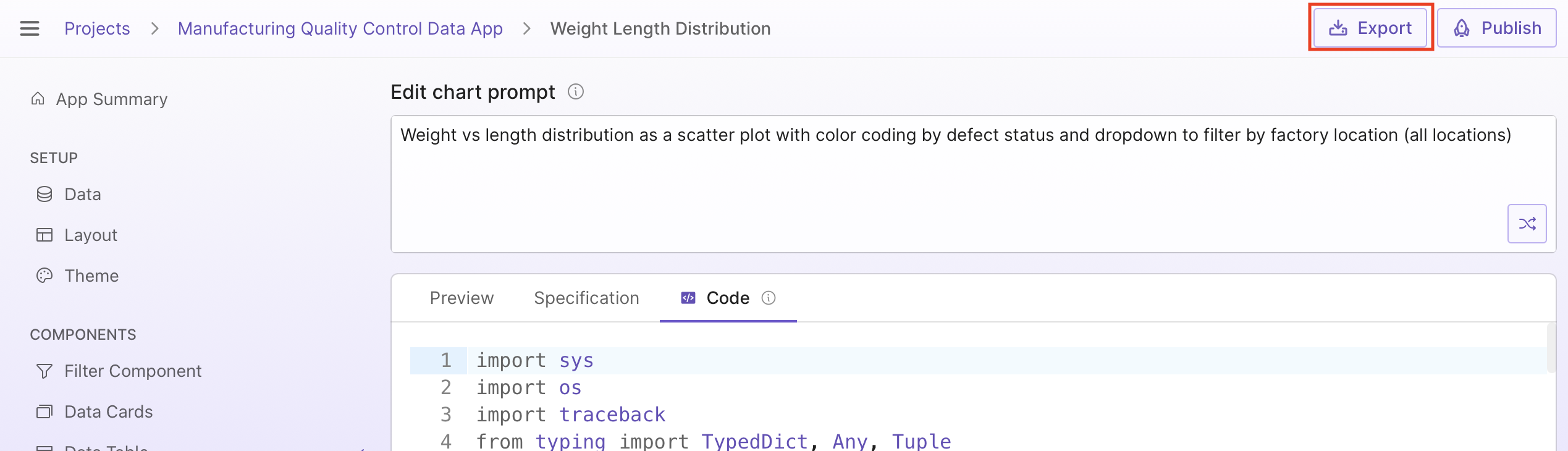
To export the app, select Export () in the top-right corner of the page:
The exported zip file includes the app's code, the app's Python dependencies in a requirements.txt file, and additional Plotly component libraries used by Plotly Studio.
Info
The Plotly libraries in the wheels folder of the exported app are commercially licensed and require an active subscription to the Growth plan or higher to use. The license is per developer, meaning each developer that edits or runs the app code requires a license. See the LICENSE file in the wheels folder for the complete terms of the license.