Publishing from Plotly Studio
Plotly Studio supports publishing apps to Plotly Cloud and Dash Enterprise. Apps are published to the account that you signed in to Plotly Studio with.
Not sure which publishing option is best for you?
The Publishing Playbook can help you choose the right publishing approach for your needs, from quick sharing to enterprise-scale solutions.
Important: To publish apps to Dash Enterprise, Git must be installed on your computer. This is because Plotly Studio uses the Dash Enterprise CLI to publish apps to Dash Enterprise, and the CLI runs Git commands internally. Learn more about the Dash Enterprise CLI.
Publishing an app
To publish an app:
-
Go to Publish.
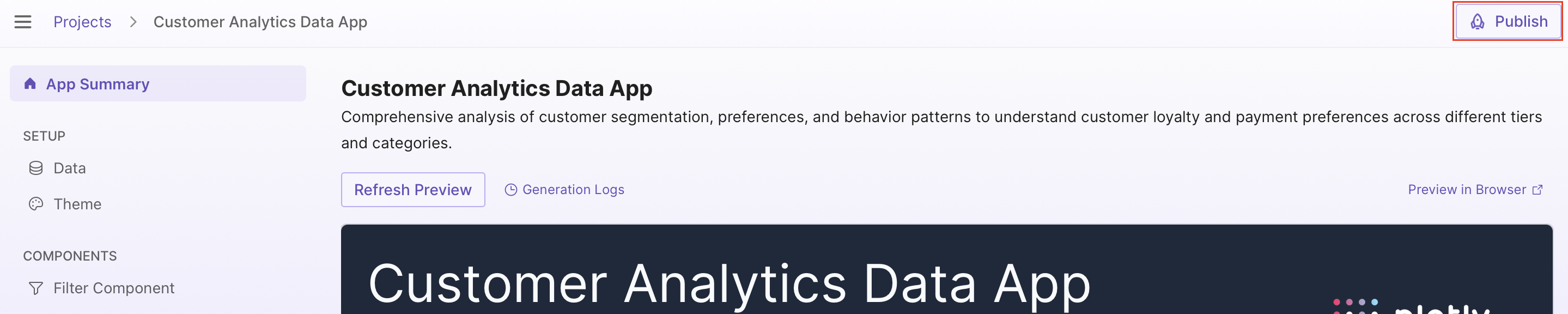
-
If publishing to Plotly Cloud, choose your app's visibility from the App visibility dropdown. For Dash Enterprise, you can set app visibility after publishing.
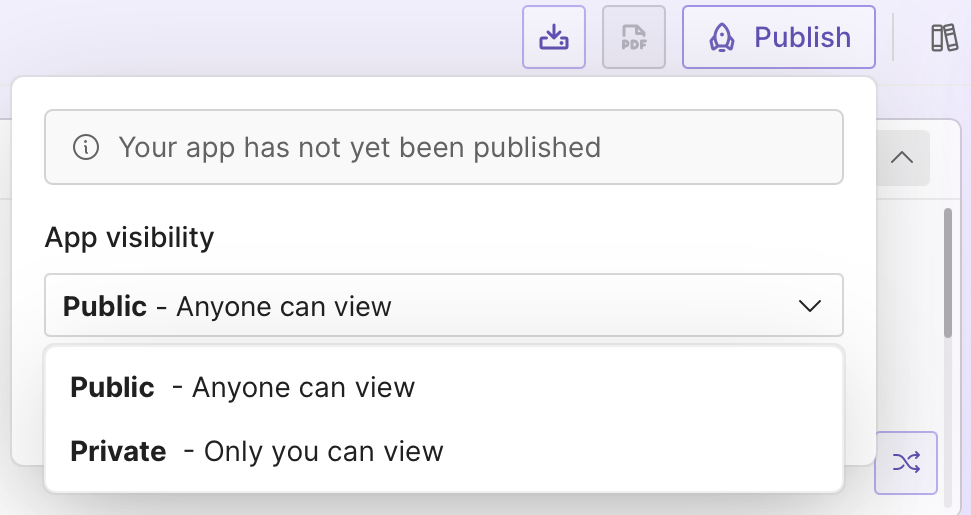
-
Select Publish app to start publishing. The app takes 1-5 minutes to build.
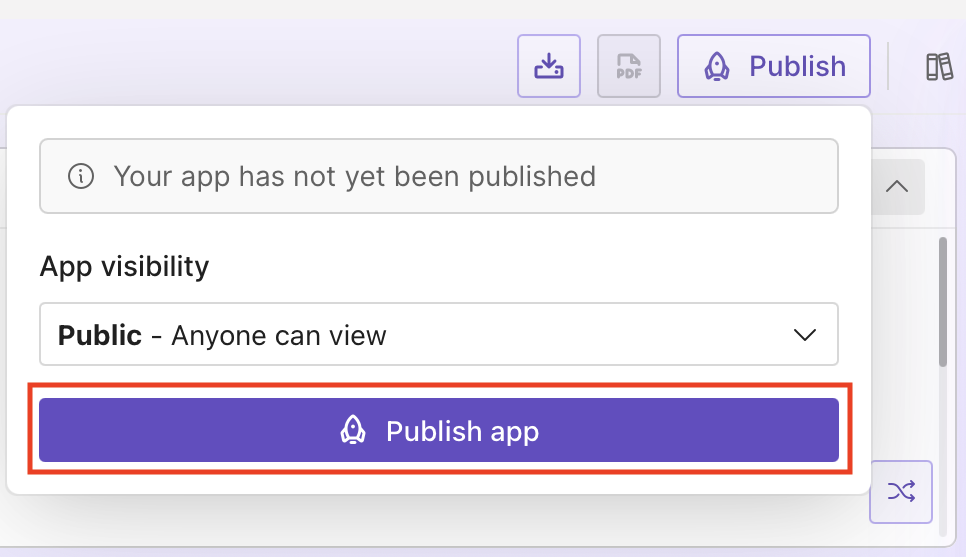
-
Once your app is published, the Published panel provides options to:
- Copy app URL - Copy the app's URL to share with others
- View published app - Open the live app in your browser
- App settings and logs - Open app settings and logs for the published app
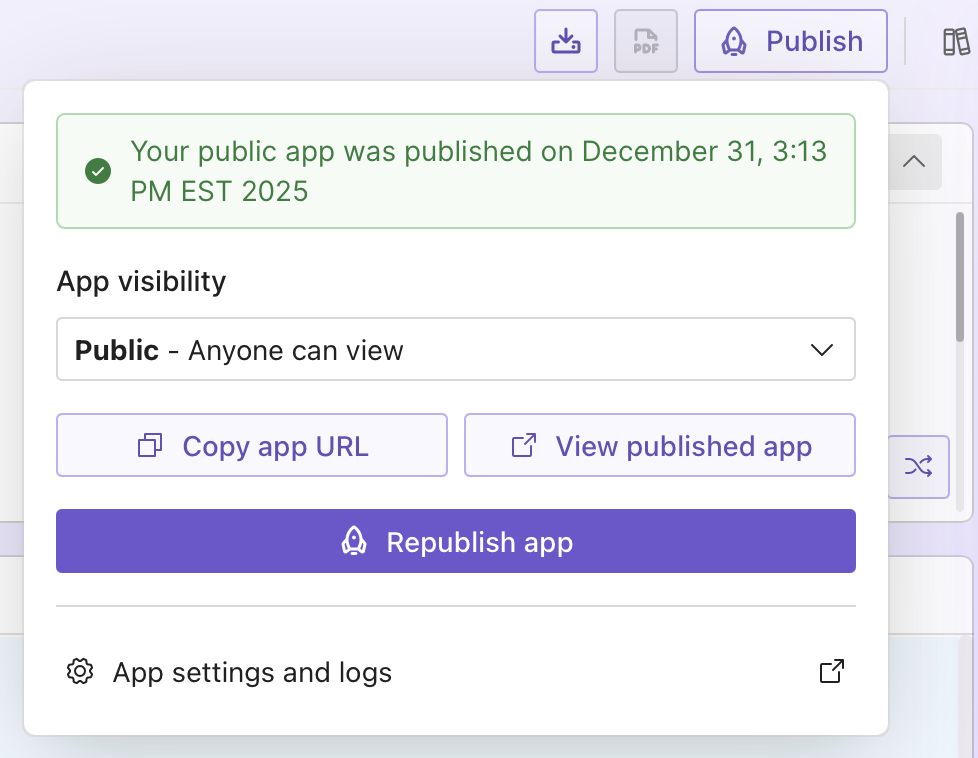
Known Issue
The published time shown is not correct for the displayed timezone. This will be fixed in a future release.
Updating the live app
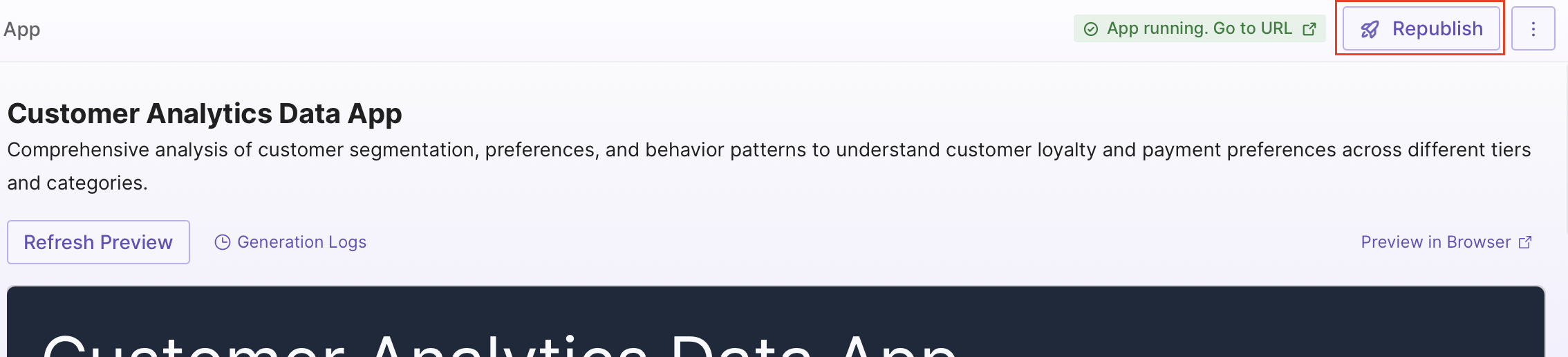
To update your live app after making changes, go to Published and select Republish app.
Changing app visibility
For apps published to Plotly Cloud, you can change their visibility in Plotly Studio at any time without republishing. Go to Published, choose a new visibility option from the App visibility dropdown, and the change is applied immediately.
Tip
If your app visibility is set to Private and you are on the Pro plan or higher, you can give specific team members access to the app from the Cloud UI. See Access Control and Sharing for details.
For apps published to Dash Enterprise, see App Privacy.
Troubleshooting
If your app fails to publish, select App settings and logs to find more details on why the app failed to publish and start.
If you are publishing your app to Dash Enterprise, see Troubleshooting App Deployment Errors for details on interpreting the logs.