Publishing
In Plotly Studio's agentic workflow, artifacts are outputs created during a session, such as charts, tables, reports, and apps. Plotly Studio can publish individual charts and tables as standalone artifacts, or they can be combined into reports or apps and published together.
Publish an artifact
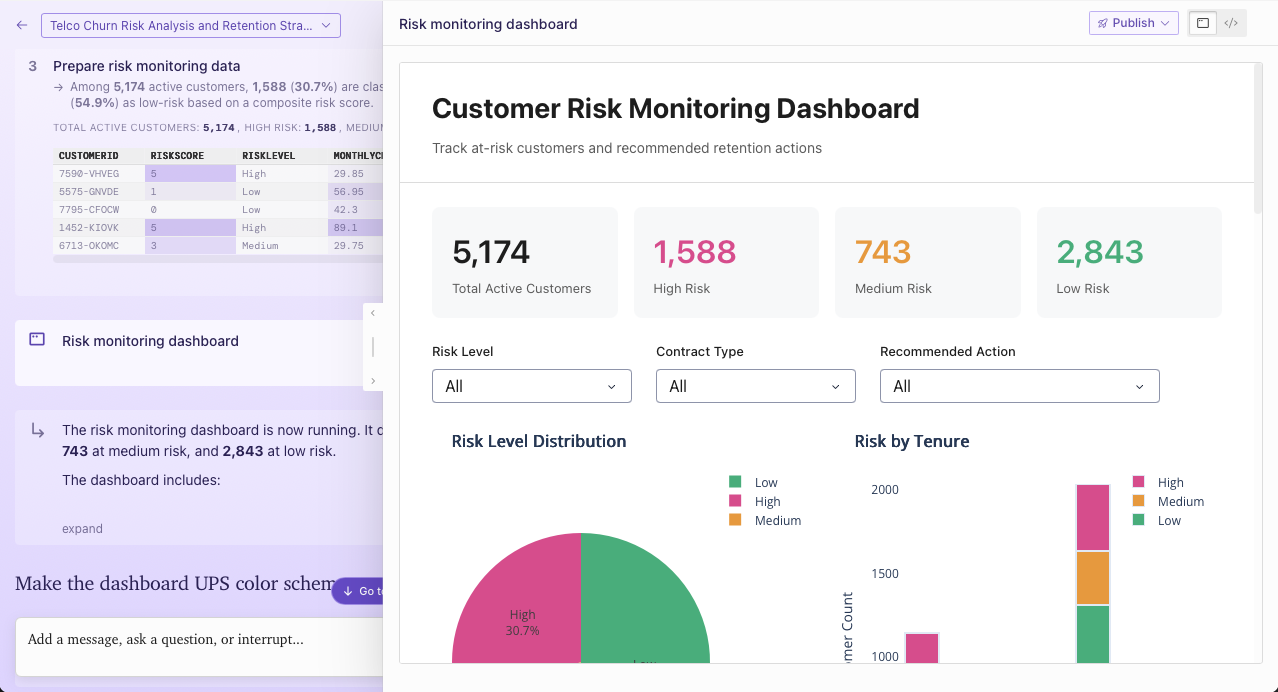
To publish an artifact:
- In your session, find the step associated with the artifact you want to publish.
- Select Publish on that step.
Publishing may take about a minute. For Plotly Cloud users, the artifact is published to the team associated with the session.
Tip
Artifacts keep a stable ID across edits, so publishing updates the existing deployed app in place and its URL stays the same across republishes.
What happens after you publish
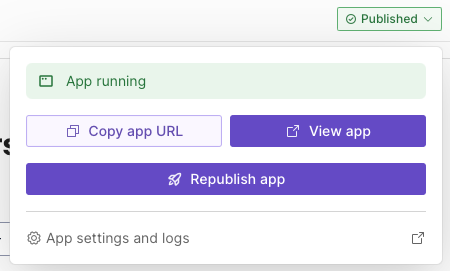
Publishing usually takes about a minute. After publishing completes, you can:
- Copy the artifact URL.
- Open the deployed artifact.
- Republish the artifact.
- Open the artifact's settings and logs in the deployment platform.
Security and permissions
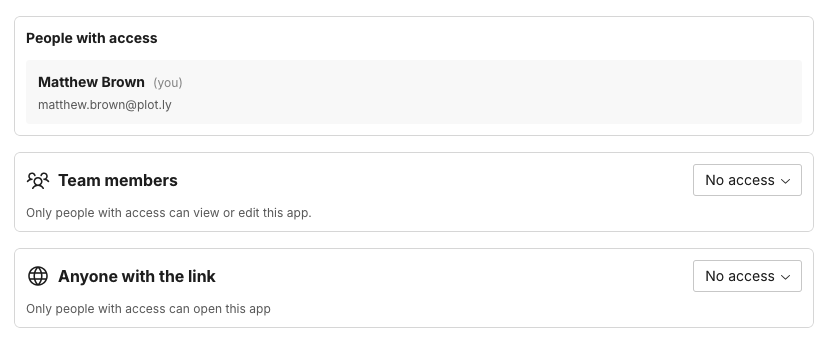
For artifacts deployed to Plotly Cloud, you can:
- Inspect the app logs.
- Configure app security and sharing in the deployed app settings. See Access control and sharing.
- Manage runtime configuration with environment variables when needed.
For artifacts deployed to Dash Enterprise:
- Go to the App Info at
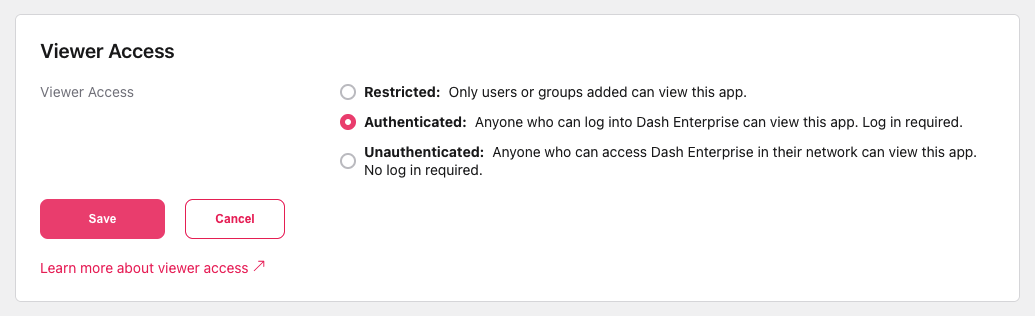
https:<hostname>/apps/<app_name>to adjust access control and sharing.