Using Enterprise Libraries
If your team is on the Enterprise plan, you have access to Plotly-developed enterprise libraries for your apps.
The following enterprise libraries are available:
- Dash Design Kit: Create on-brand, visually stunning Dash apps without HTML or CSS.
- Dash Embedded and Dash Embedded Component: Embed your apps into websites that you have control over without iframes.
- Dash OAuth Connections: Access data from third-party APIs on behalf of a logged-in app user.
The Plotly Scheduler feature that comes with the dash-enterprise-libraries package is also compatible. Plotly Scheduler allows you to run functions in your app on a schedule and cache their return values in memory.
Dash Design Kit and Dash Embedded are dependencies of dash-enterprise-libraries (and are thus installed with it), while Plotly Scheduler is available natively with the package. If you choose to install the dash-enterprise-libraries package, be aware that it also comes with libraries that are not compatible with Plotly Cloud.
If you are already familiar with these libraries and want to publish an app that leverages some or all of them, no special configuration is needed in most cases (view the usage documentation for full information). Plotly Cloud recognizes the use of Dash Design Kit in your app code, for example, and adds it to the requirements that it installs when you publish your app. Enterprise libraries are installed from the Plotly-owned packages.cloud.plotly.com index, which is also supplied automatically at publish time.
Local development
To get started with enterprise libraries locally, you'll need a package index token and the usage documentation for the library you want to use.
Generating a package index token
To generate a package index token:
- Go to the Team settings.
- Go to the Enterprise libraries tab.
- Select Create token.
- In the confirmation message that appears, select Create package index token.
The page updates with commands that contain your newly generated token. Use these commands to install the individual libraries you're interested in locally.
Your package token is personal and cannot be shared with other members of your team. All team members need to generate their own token to install packages for local development.
You can revoke your token at any time by selecting Revoke token. Your token is automatically revoked if your team plan or role changes such that it no longer includes access to enterprise libraries.
Library usage documentation
Library usage documentation for Dash Design Kit, Dash Embedded, Dash OAuth Connections, and Plotly Scheduler is available on https://dash.plotly.com (this is also where you can find Dash open-source documentation).
You'll need to sign in with your Plotly Cloud account to access documentation for enterprise libraries. To do so, select Sign in, then Sign in with Plotly Cloud, and then sign in as you usually would to Plotly Cloud. (On small screens, the Sign in button is located inside the More  menu).
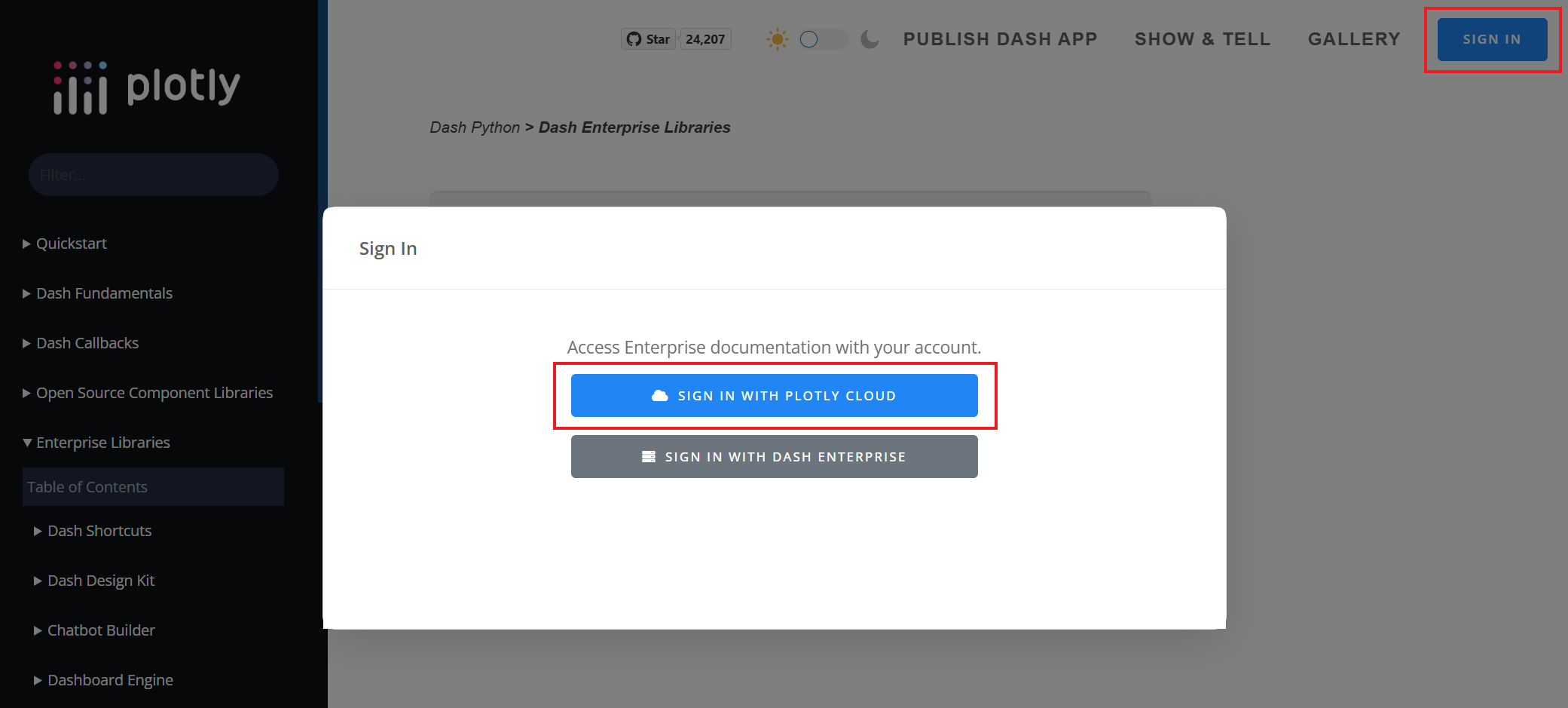
Documentation for enterprise libraries is located in the Enterprise Libraries section, and you can also search by library name. The Team settings in Plotly Cloud also contain direct links.
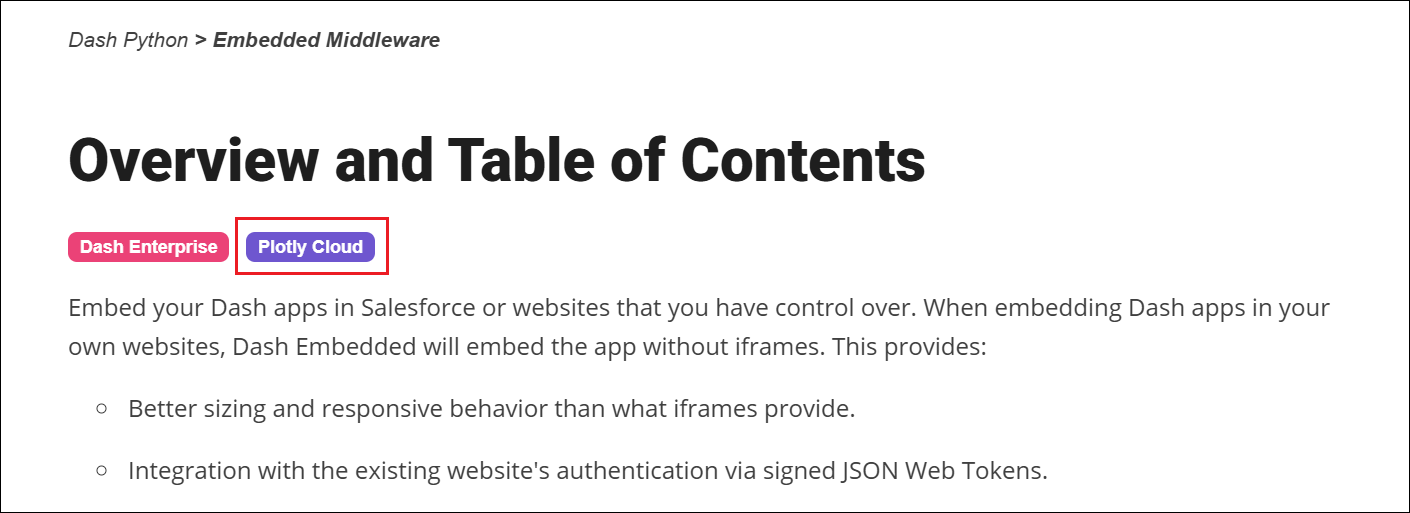
Note that not all enterprise libraries documented on https://dash.plotly.com are compatible with Plotly Cloud. Look for a purple badge at the top of the page to confirm that the content is applicable to Plotly Cloud (while the installation information is applicable, we recommend using the commands on the Plotly Cloud Team settings page because they are pre-filled with the package index URL and your token).