Legends
Legends help app users understand what each color, symbol, or series means in a chart. You can control legend visibility, orientation, position, and styling with natural language prompts.
Show or hide the legend
Use a basic instruction to turn legend visibility on or off.
Create a scatter chart of <Y> by <X>, color by <Column>.
Hide the legend.
The following example uses this prompt structure with the built-in Plotly Studio dataset:
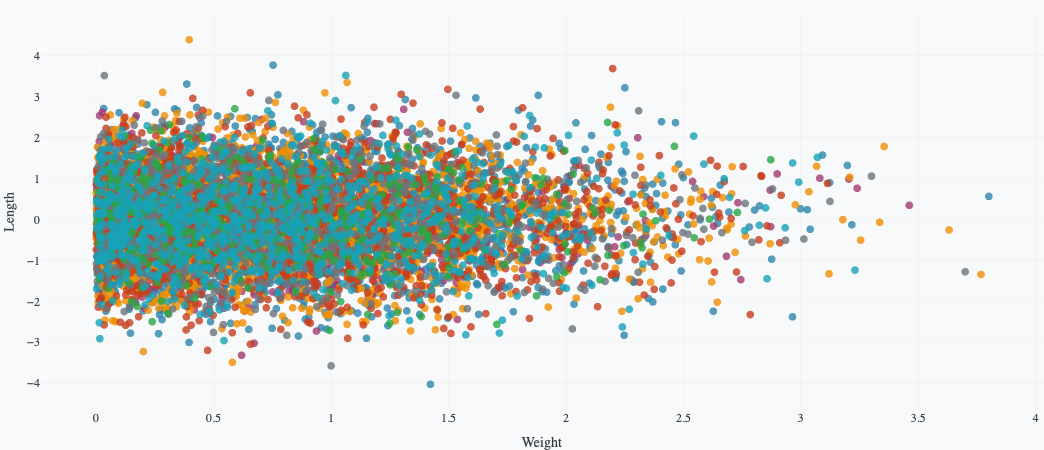
Create a scatter chart of length by weight, color by defect.
Hide the legend.
Legend orientation
Choose whether legend items are shown in a row (horizontal) or a column (vertical).
Create a scatter chart of <Y> by <X>, color by <Column>.
Use a horizontal legend.
The following example uses this prompt structure with the built-in Plotly Studio dataset:
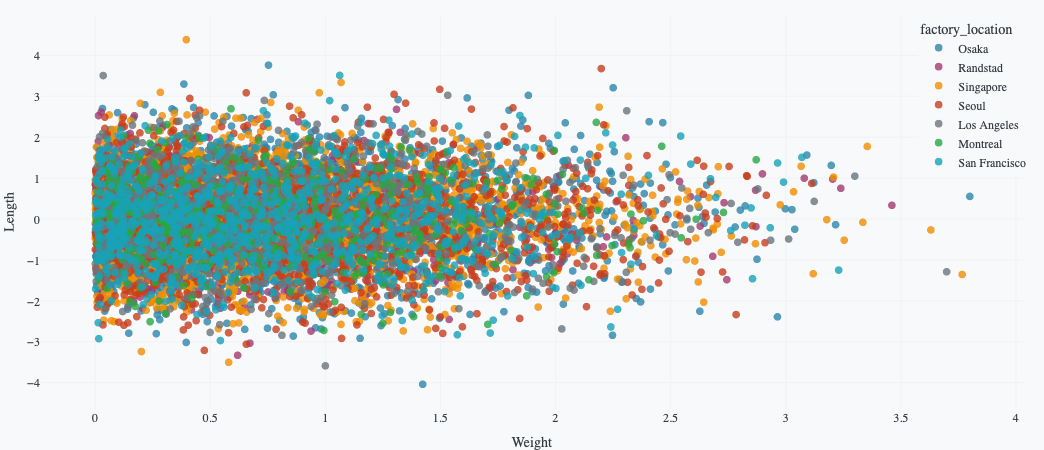
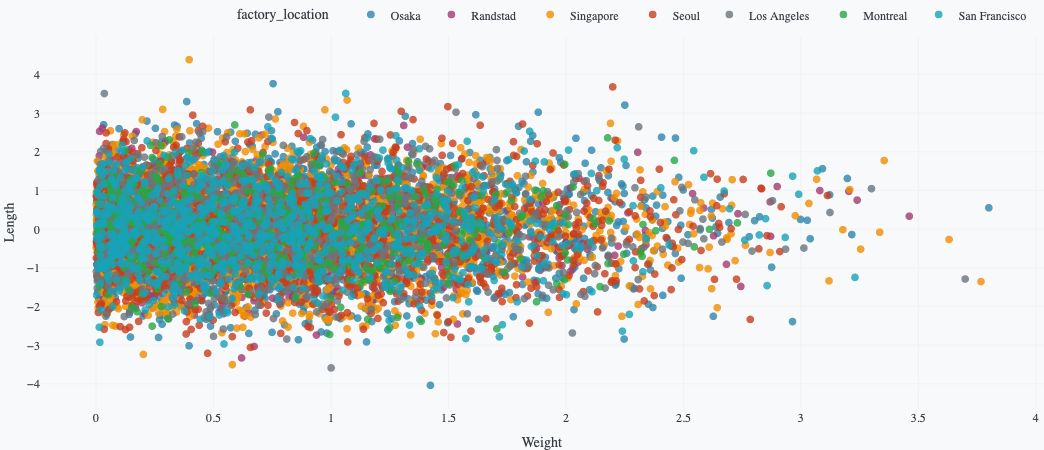
Create a scatter chart of length by weight, color by factory location.
Use a horizontal legend.
Position the legend outside the plot
If the legend overlaps important points, move it to the chart margin.
Create a scatter chart of <Y> by <X>, color by <Column>.
Position the legend outside the plot on the right.
Use a vertical legend.
The following example uses this prompt structure with the built-in Plotly Studio dataset:
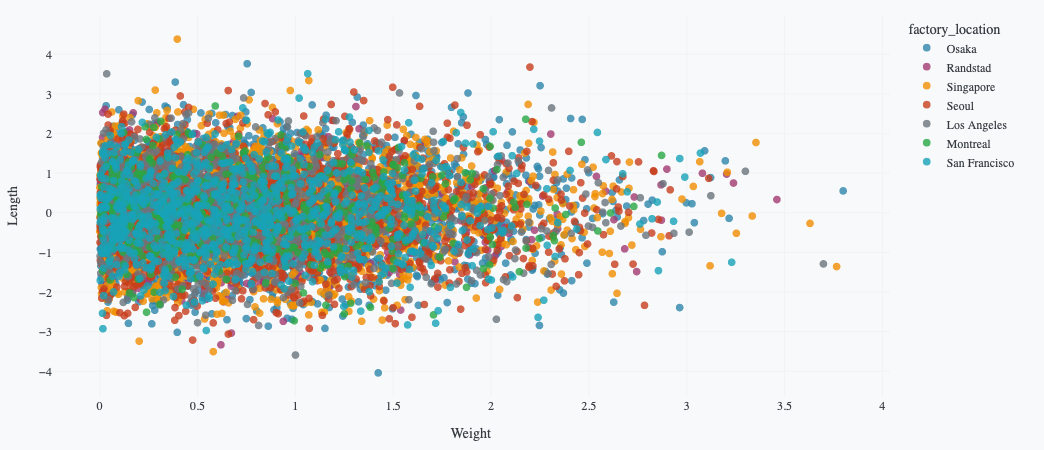
Create a scatter chart of length by weight, color by factory location.
Position the legend outside the plot on the right.
Use a vertical legend.

Legend background color
Set legend background color to improve contrast and readability.
Create a scatter chart of <Y> by <X>, color by <Column>.
Set legend background color to <color>.
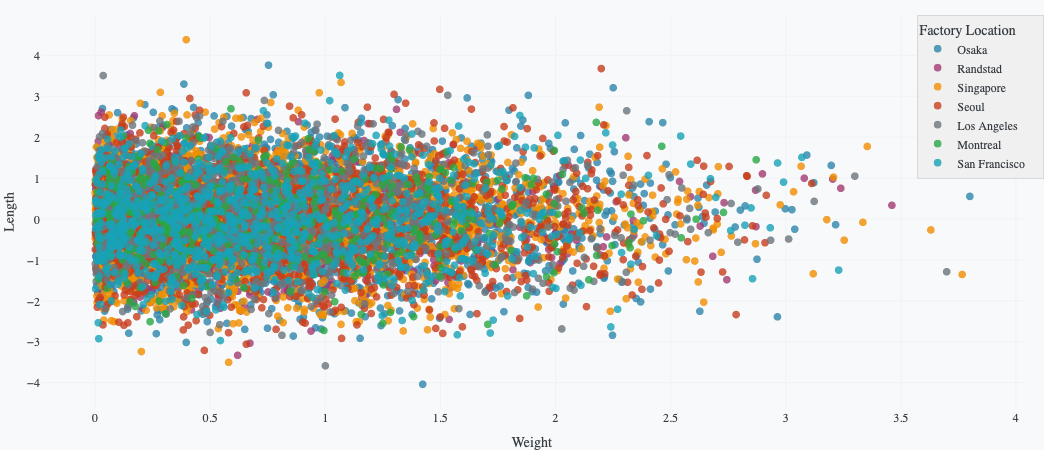
The following example uses this prompt structure with the built-in Plotly Studio dataset:
Create a scatter chart of length by weight, color by factory location.
Set legend background color to lightgray.
Prompt keywords reference
Use these keywords and phrases to customize legends in conversational prompts.
Hide the legend.
Show the legend.
Show legend at top right.
Use a horizontal legend.
Set legend background color to lightblue.
Set legend title to "Categories".
Here are some keyword suggestions:
| Keyword/Phrase | Description | Example |
|---|---|---|
| Hide legend | Remove the legend from the chart | Hide the legend. |
| Show legend | Display the legend | Show the legend. |
| Show legend at | Place the legend in a specific location | Show legend at top right. |
| Use a horizontal legend | Arrange legend items left-to-right | Use a horizontal legend. |
| Use a vertical legend | Arrange legend items top-to-bottom | Use a vertical legend. |
| Set legend title to | Add a custom legend title | Set legend title to "Categories". |
| Set legend background color to | Set the legend box background color | Set legend background color to lightblue. |
| Set legend border color to | Set legend border color | Set legend border color to gray. |
| Set legend border width to | Set legend border thickness | Set legend border width to 2. |
| Set legend font size to | Change legend text size | Set legend font size to 12. |
| Set legend text color to | Change legend text color | Set legend text color to gray. |
| Reverse legend order | Flip item order in the legend | Reverse legend order. |